Safety Guard
How risky changes are blocked before they break winners.
The biggest fear in ad automation is not slowness. It is the tool making an overreaction and damaging a working campaign. Safety Guard exists to stop that class of mistake.
This page is for teams that want automation without handing control to a tool that overreacts.
Winning keywords are not paused on noise alone
Temporary volatility is separated from real deterioration
Protective decisions remain visible after they happen
What Safety Guard does
It stops noisy automation from touching winners too aggressively
It routes dangerous changes into approval or review gates
It keeps protective calls explainable later
Where you see it
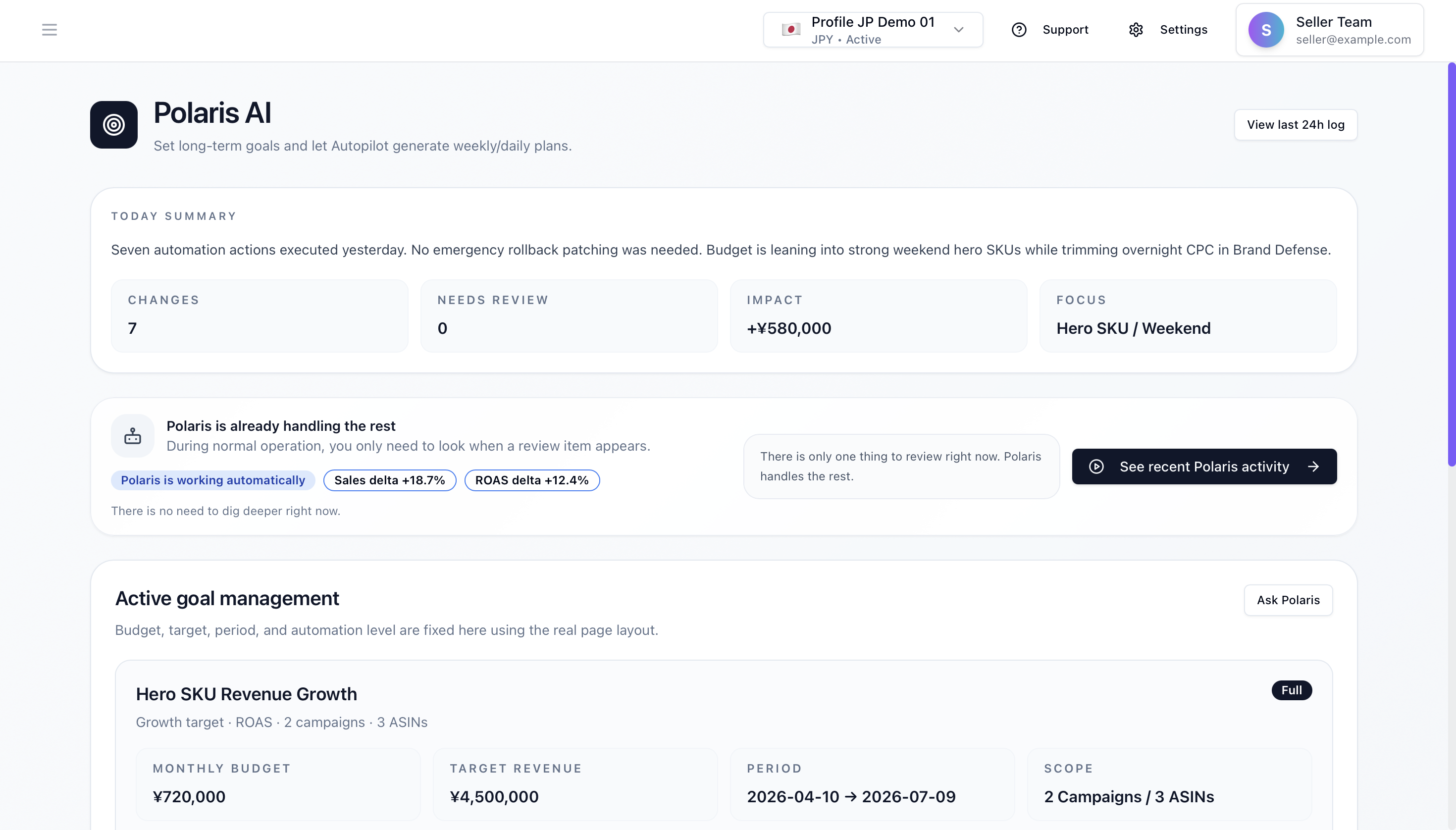
Action Center approvals
Risky changes are shown as preview-rich approval cards instead of silent background actions.
Polaris Home risk summary
You can inspect whether the account is clear or whether risk is being held back.
Reports review
The system should let you review why a change was blocked or protected after the fact.
How the safety decision flows
1. Separate real deterioration from temporary noise
Spend drift, delivery drop, CVR volatility, and winner history are read together so the system does not treat every bad moment as a kill signal.
2. Route dangerous actions into bounded lanes
High-risk actions are removed from the auto lane and sent to review, while low-risk moves still follow the chosen operating mode.
3. Keep the protective decision inspectable later
Trust breaks if the team cannot explain why a winner was protected. Safety Guard keeps those calls reviewable.
Layers it works with
Anomaly detection
The entry point for identifying what looks abnormal or unstable.
Second Chance
The rescue-before-suppress layer that avoids immediate overreaction.
Approval / inbox
The contract layer that turns dangerous change into human review.
Review flow
The layer that returns protected decisions into later evaluation.
What the system does vs what the team decides
Prepared
- Classifying risk and routing to the right gate
- Allowing low-risk changes to keep flowing under safe/full mode
- Refreshing risk summaries
Human review
- Approving high-impact winner-touching proposals
- Changing the safety stance
- Overriding blocked actions
Deeper explanation
Detail 1
1. The system reads the situation, not only the metric
A temporary ACoS spike is not always a reason to kill traffic. Safety Guard is built to distinguish noisy fluctuation from changes that truly justify intervention.
Detail 2
2. Guardrails exist before the dangerous action happens
The most expensive automation mistakes often come from aggressive stopping logic. Safety Guard focuses on blocking those high-cost moves before they distort the account.
Detail 3
3. Protective calls stay explainable
If a system decides not to stop a keyword, the team still needs to understand why. Safety Guard is designed so “why we protected this” can be reviewed later.
What you can inspect here
Which change was flagged as risky
Why a pause or strong adjustment was blocked
Whether protective actions are visible in the history
Why this is a first-class feature
It answers the biggest automation fear
Trust in daily review planning collapses if the tool can easily destroy a working campaign.
It is runtime logic, not reassurance copy
This layer changes draft creation and approval behavior inside the product.
Try it first
Get found. Get chosen. Keep winning.
The entry point is the free AI search audit. From there, improve your product page and hand over ads operation in one flow. Ads start small: one campaign, 30 days free.
Start with Google
No credit card. The trial starts when you connect Amazon Ads.